
CAN-Bridge · FBS3 emulator · ECU / gearbox / ISM
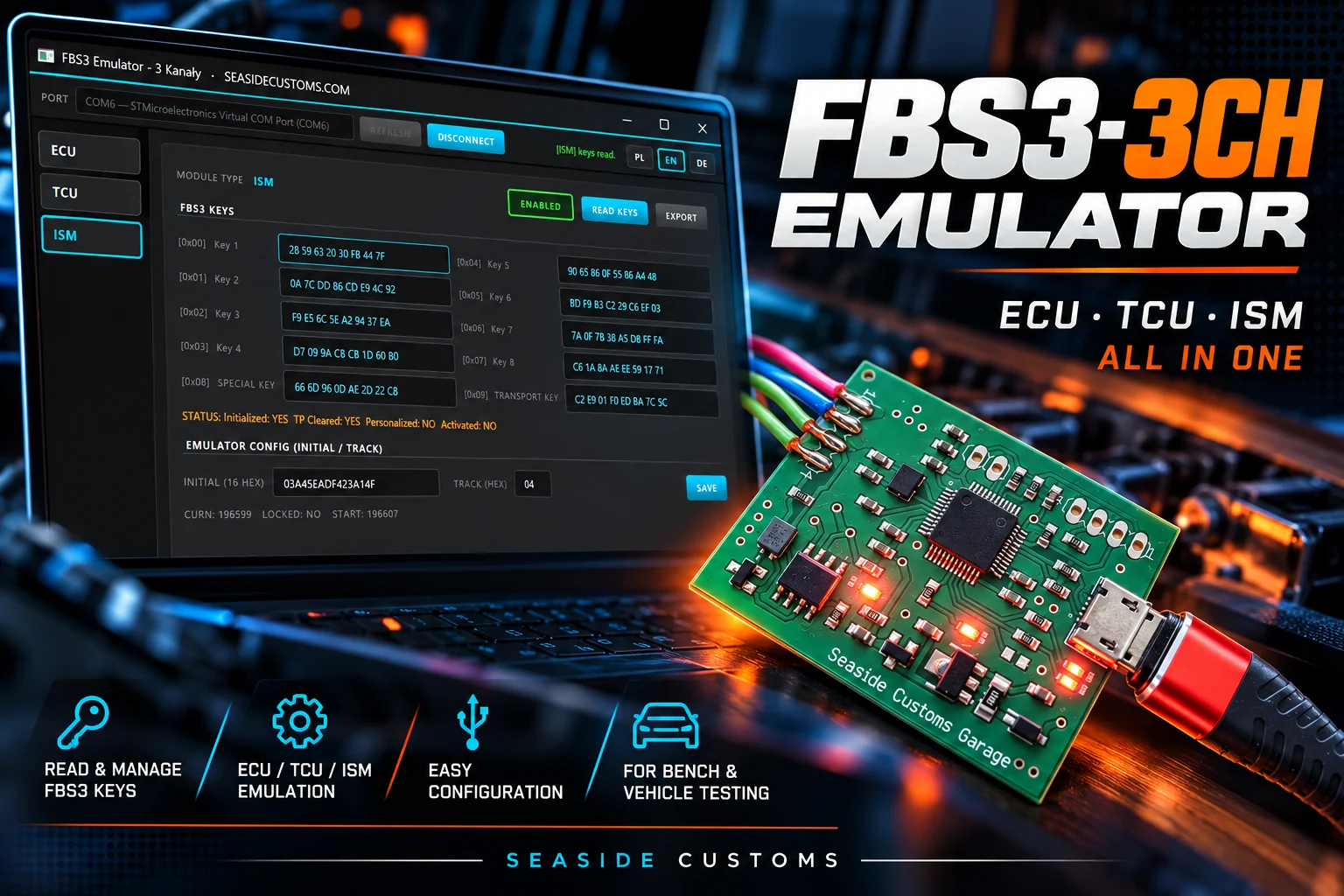
Three FBS3 immobilisers in one device. Run the engine controller, the 7G-Tronic gearbox and the ISM selector module outside their donor car — without the original ignition switch and full key set. One device emulates three independent FBS3 channels on a shared CAN bus, and you do all the configuration and key reading from a PC app over a plain USB cable. No separate interface.
What it's for
Replacing and adapting Mercedes controllers (ECU / gearbox / ISM), bench work, diagnostics, test builds and conversions — wherever a module has to "see" a valid immobiliser to leave limp mode and run.
Why three channels
The ECU, gearbox and selector each run their own independent authorisation chain. The emulator handles all three at once — every channel with its own INITIAL, TRACK and independent countdown, so a mismatch on one module doesn't block the others.
The engine controller — the first FBS3 gateway that must see a valid immobiliser to start.
The VGS / 7G-Tronic gearbox — its own authorisation chain, independent of the engine.
The gear selector module — the third gateway, handled by the same device.
What it does
FBS3 challenge/response — the emulator answers the module just like the original immobiliser.
Keys 1–8 plus Special and Transport, with status (Initialized / Transportschutz / Personalized / Activated), straight from the ECU (EDC16), gearbox (VGS2NAG2 / VGS3NAG2) and ISM. The F072 acts as a CAN↔USB bridge; the UDS sequences are computed by the app.
Read the VIN from the module and broadcast it on CAN so the network sees the correct body number.
Turn each channel on and off with one click — use only what you need.
Initial and track saved separately per channel, permanently in the device memory.
Each channel has its own unlock indicator — you can see at once what's active.
How it works — 3 steps
Plug the emulator into the CAN bus and into the computer with a USB cable.
Read the FBS3 keys and send the read-out files to us to compute the initial.
Write the initial and track to the emulator — from then on it emulates the immobiliser on CAN.
PC app
| Specifications | |
|---|---|
| Microcontroller | STM32F072 (USB Full-Speed, native CDC) |
| Bus | CAN 500 kbit/s |
| Channels | 3 independent (ECU / TCU / ISM) |
| Key reading | EDC15, EDC16, VGS2NAG2, VGS3NAG2, ISM |
| PC interface | USB (virtual COM), app PL / EN / DE |
| Power | from the vehicle wiring |
A plain virtual COM port — works right away, with no drivers and no extra CAN adapter.
Legal notice
Lawful use only. This tool is intended exclusively for legitimate service work — on your own vehicle or one entrusted for repair by its rightful owner (e.g. controller replacement or adaptation). The user bears full responsibility for how it is used.